PCVR Demo
PCVR Example Project
Requirements
Hardware Requirements
Determ Voxel Developer Kit
Quest 3
PC Requirements
Windows 11
Godot engine v4.4.1
CUDA v12.8
GStreamer v1.22.12
Meta quest link app
Setting Up the Project Environment
Download and install dependences
Please following the steps in: Installation Guide: Determ Flowbit Viewer v1.4.1
Installing Meta Quest Link app
Please install it from here
Download and Import the Example Project
Download and unzip PCVR example project, import it to Customized Godot 4.4 Engine, standard Godot 4.4 Engine is not suitable for this project.
2. Get devices' config file
Install and run 'Determ Flowbit Viewer exe' and connect the target client device.
Find the config files in DetermFlowbitViewer.exe
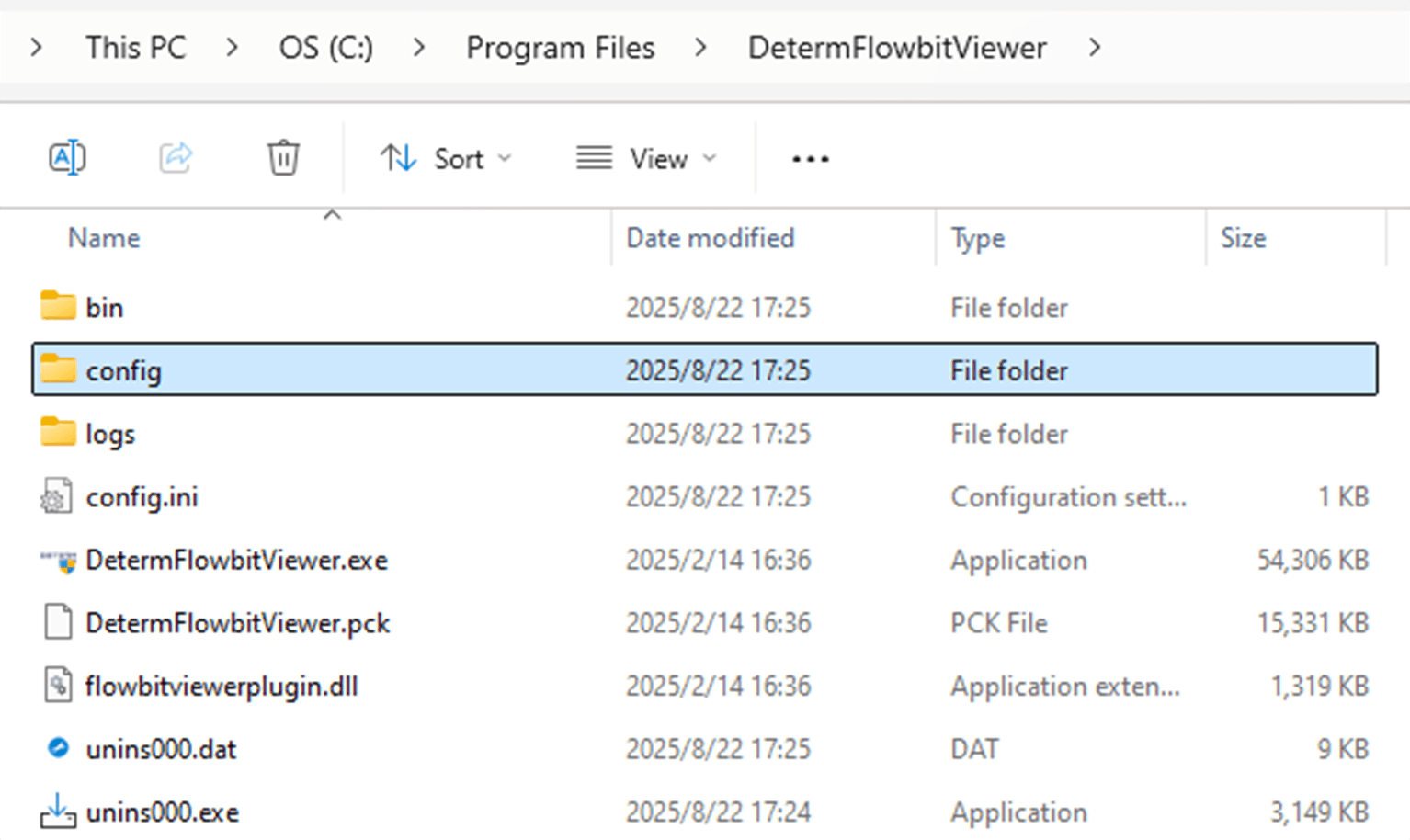
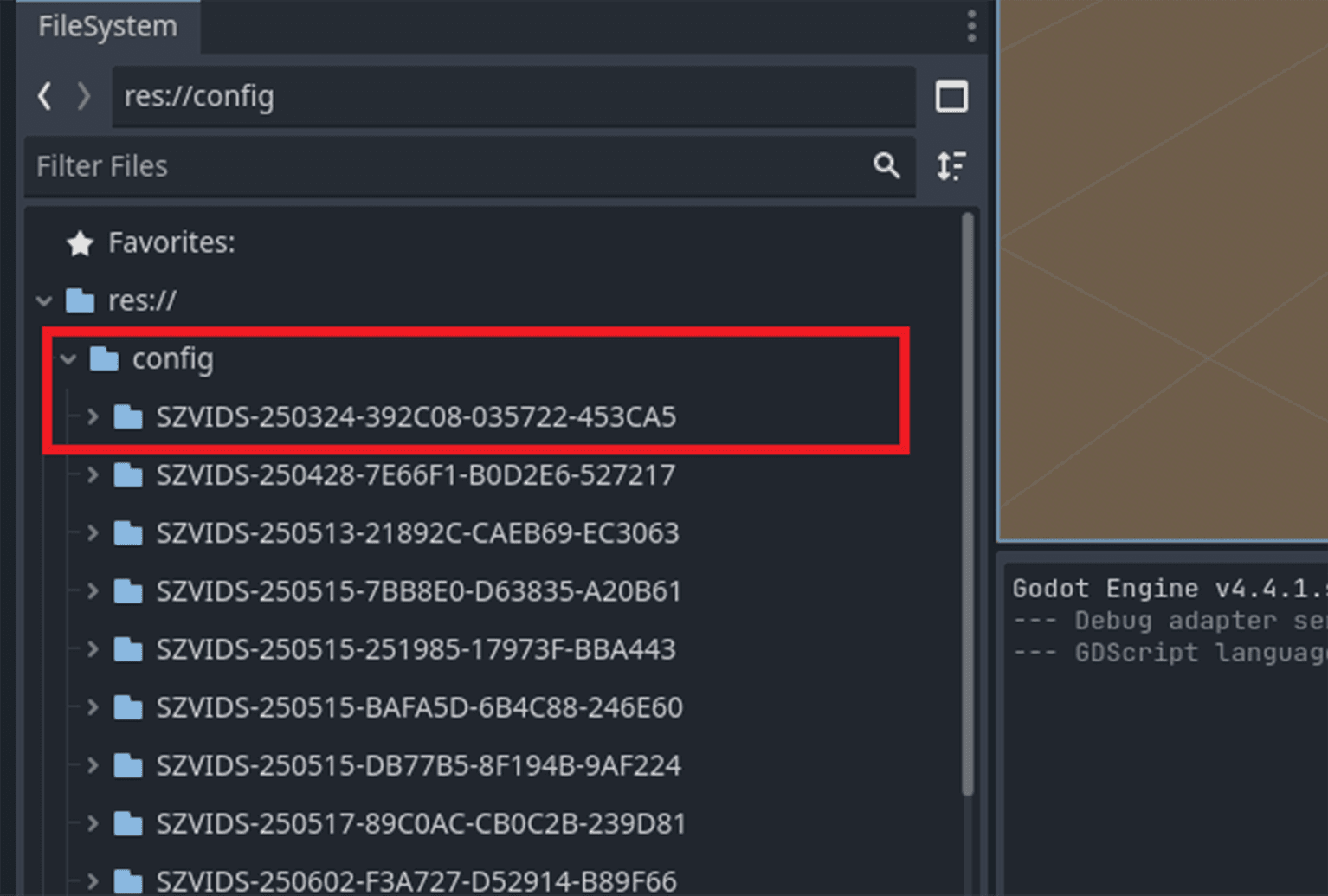
Copy devices' config files to PCVR example project’s res/config folder
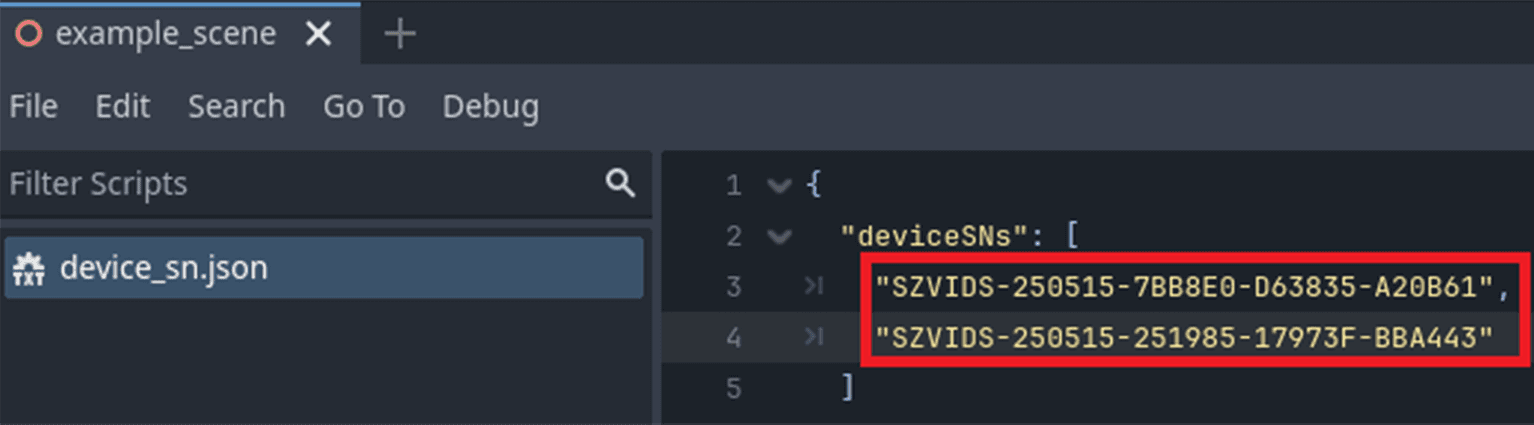
Add client device’s SN to device_sn.json file
Running the Project
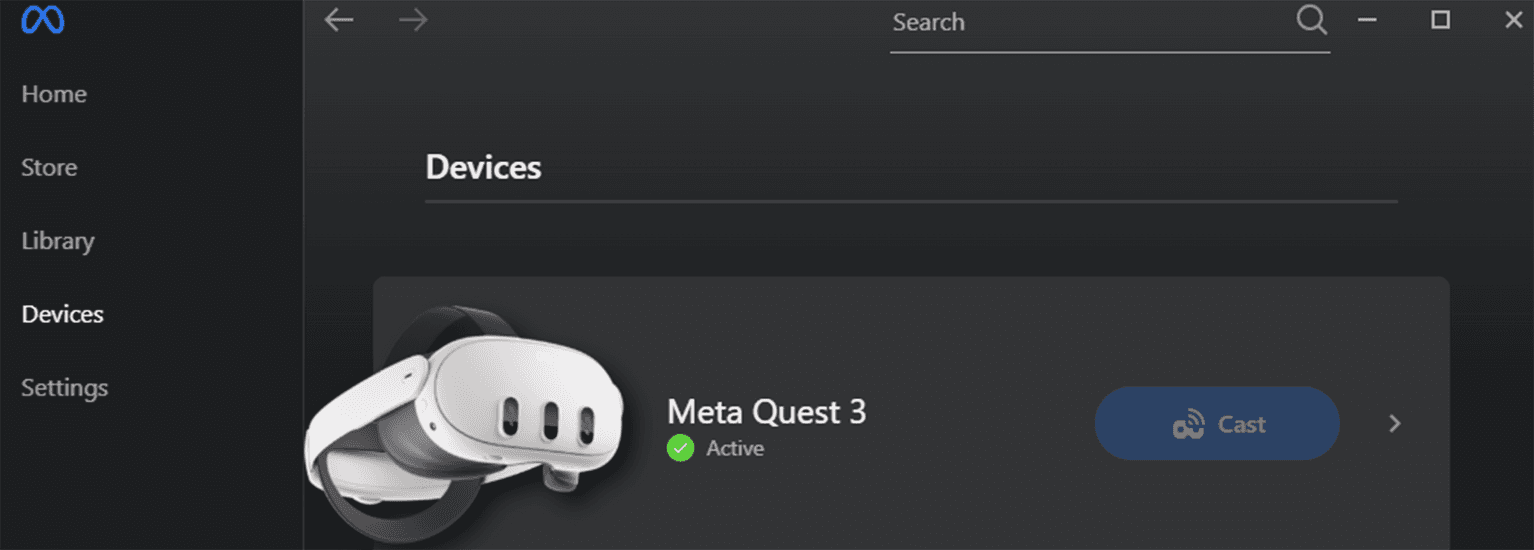
1. Run Meta Quest Link app on PC, and connect Link on your Quest 3
2. Run PCVR example project
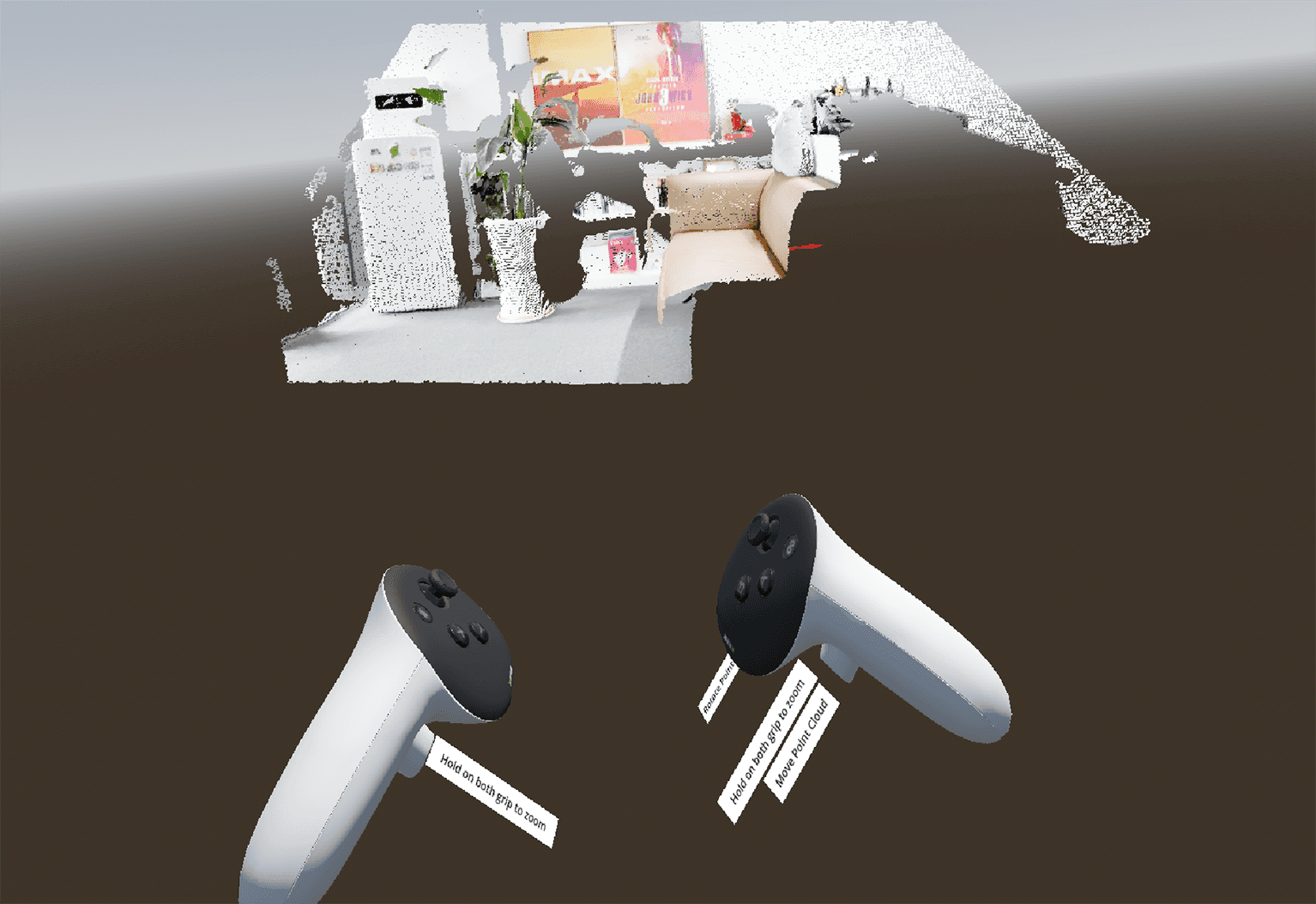
3. Features
Rotate point cloud
Move point cloud
Zoom in/out
Read device SN from json file
Virtual controller
Button animation
Button’s function label