Introduction
Flowbit system turns a set of 3D cameras into one live, metric point cloud of the space they cover. This page explains what the system is made of and how the pieces fit together.
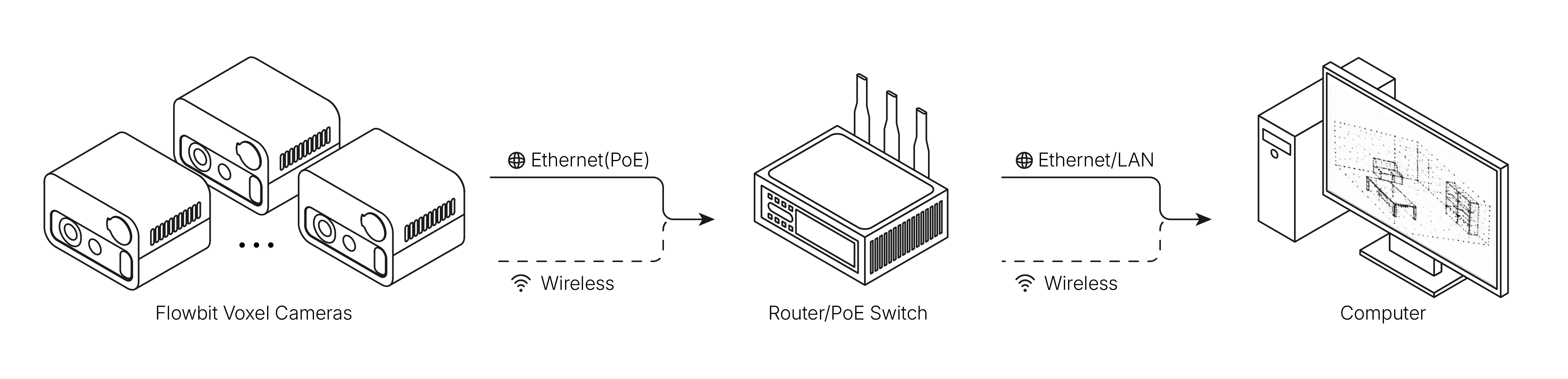
What's in the system
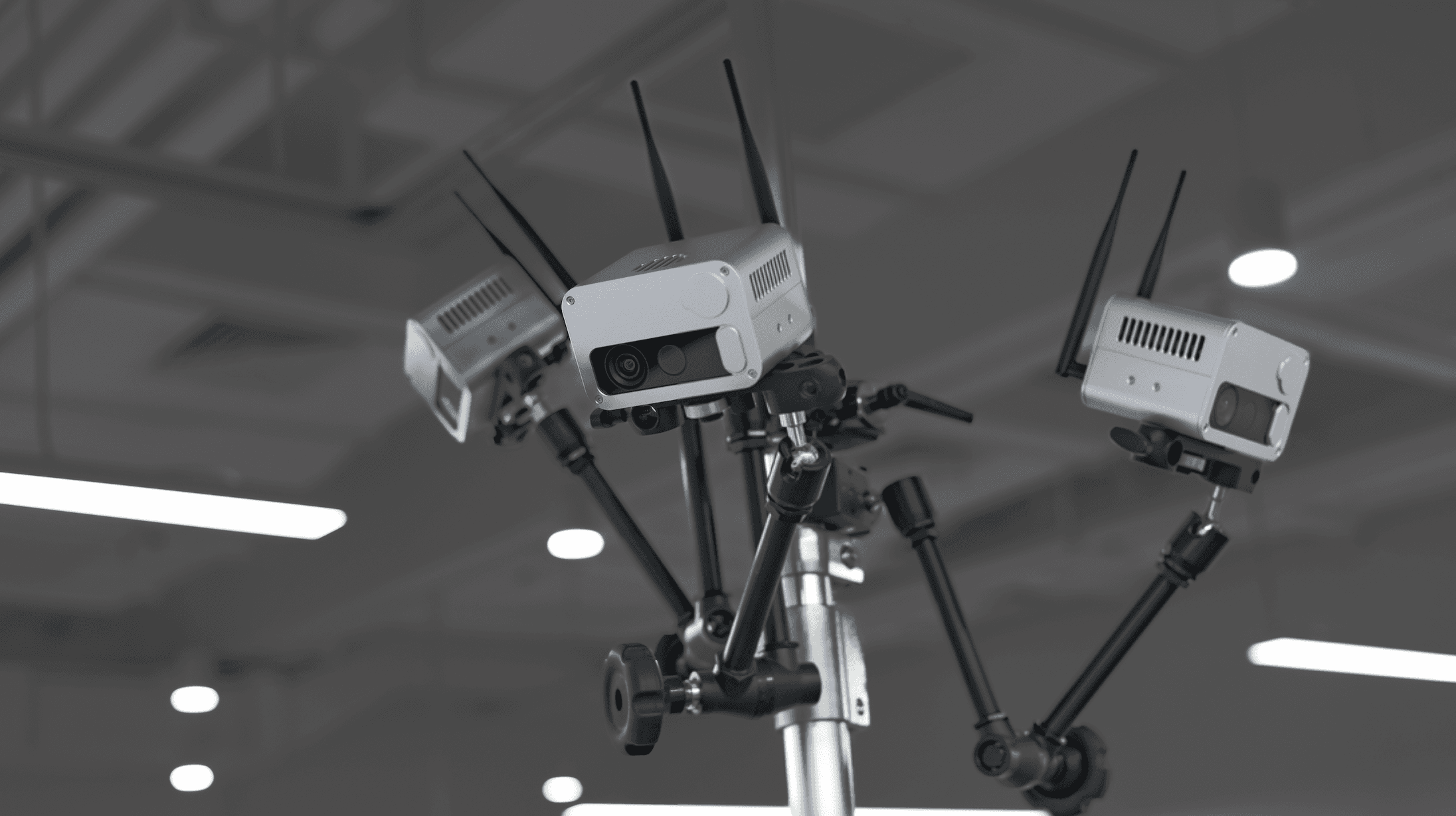
Flowbit Voxel cameras. Edge compute modules with a depth and colour camera built in. They encode on the device and stream over Ethernet.
Flowbit Capture. Finds the cameras, opens them, and draws what they all see as one 3D view. Records video and saves single frames.
Flowbit Calibration. Works out where each camera actually sits, so their point clouds line up into one.
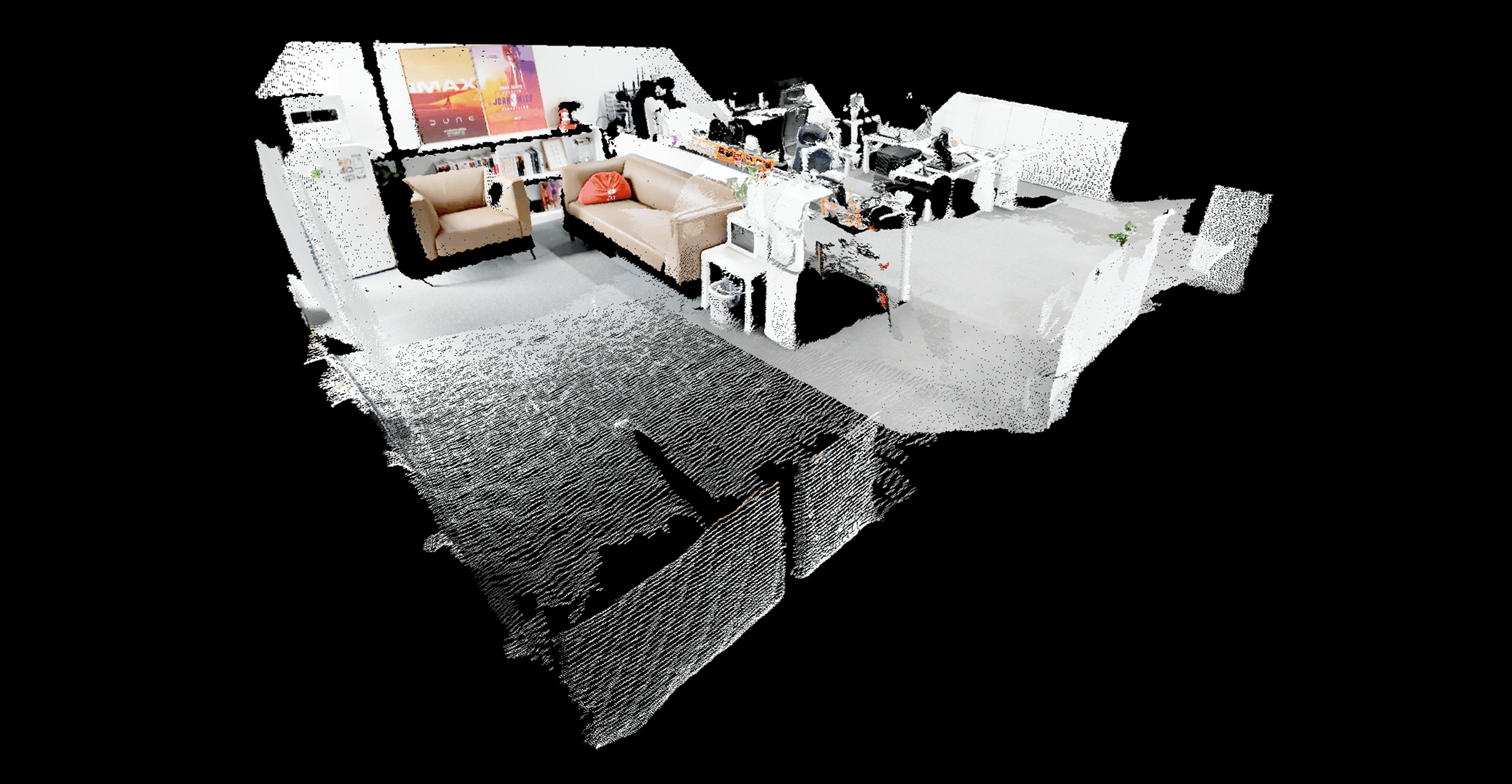
Flowbit Server SDK. A C++ library and example viewers, for Windows and Ubuntu.
Flowbit Unity Plugin. The same capability wrapped for Unity.
3D segmentation. An optional detector that finds objects in the fused cloud, available from both the SDK and Unity.
How the pieces fit together

What you do, in order
# | What you do | Where it's covered |
|---|---|---|
1 | Unbox, wire and power the cameras, on a bench | |
2 | Install Flowbit Capture | |
3 | Run the power-on test, before you mount anything | |
4 | Mount the cameras and lock the angles | |
5 | Calibrate | |
6 | Build your application |